Structured AI Documentation
Structured AI reviews construction drawing sets the way your team does, only faster. Upload a set, run automated Project QAQC checks, compare revisions, close out review comments, and ask questions about your drawings in plain language, with every answer cited to the exact spot on the sheet.
Start here
Quickstart
Upload your first drawing set, run a Project QAQC check, and review the findings, all in under ten minutes.
Project workspace
Get oriented inside a project: the Files panel, drawing viewer, Tools panel, chat, and where outputs land.
Connect your tools
Work from inside Revit, round-trip markups with Bluebeam Studio, and bring in BIM models.
What you can do
Run Project QAQC checks
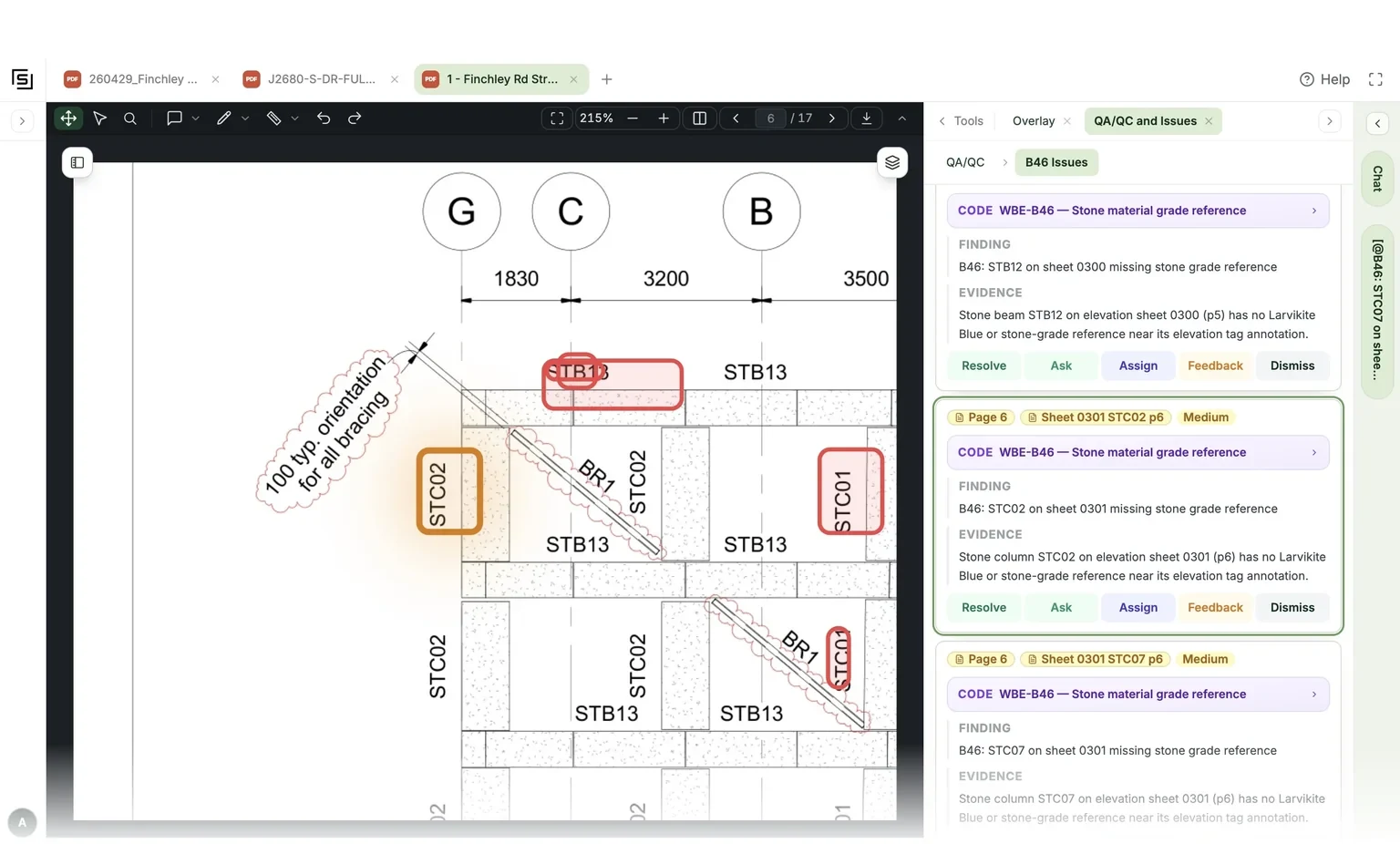
Automated checks across the whole set. Every finding links straight to the spot on the sheet.
Compare revisions
See exactly what changed between rev 1 and rev 2, sheet by sheet, as a list of changes you can filter.
Chat with your drawings
Plain-language answers with citations. For bigger jobs it plans, explores, and executes in one thread.
Verify comment closure
Check every reviewer comment against the latest drawings: resolved, not resolved, or worth investigating.
Review against codes
Upload a building code once and browse it like a searchable library: tables, figures, clauses intact.
Deliver the result
Assign & track issues
One triage table for findings and markups. Assign to teammates; they get an email with a link to the finding.
Annotated set & letter
Every finding boxed and numbered on the drawings, plus a formal plan-review letter, from one export.
Reports & forms
Written reports, spreadsheets, and completed checklists generated straight from the project, saved where you can find them.
More resources
Video guides
Every tool in a short clip: the same User Guide library that ships inside the app, watchable right here.
Roles & sharing
Who can do what, how teams work, and why everything you make is private until you share it.
Dashboard
What your team is finding, which projects are moving, and the mistakes your reviews keep catching.
Troubleshooting
A page that extracted badly, a run that stalled, a tool that isn't there. Start here before assuming a bug.
Glossary
Check vs. checklist vs. workflow, finding vs. comment, version chain vs. project. The distinctions that matter.
Talk to us
Support, onboarding, or a walkthrough of a tool on your own drawings. We're a real team; book a call.