The legacy layout
Structured AI has a legacy layout that some accounts are still on. It's being retired, and these docs describe the current layout. If your screens don't match the docs, you're probably on the legacy layout.
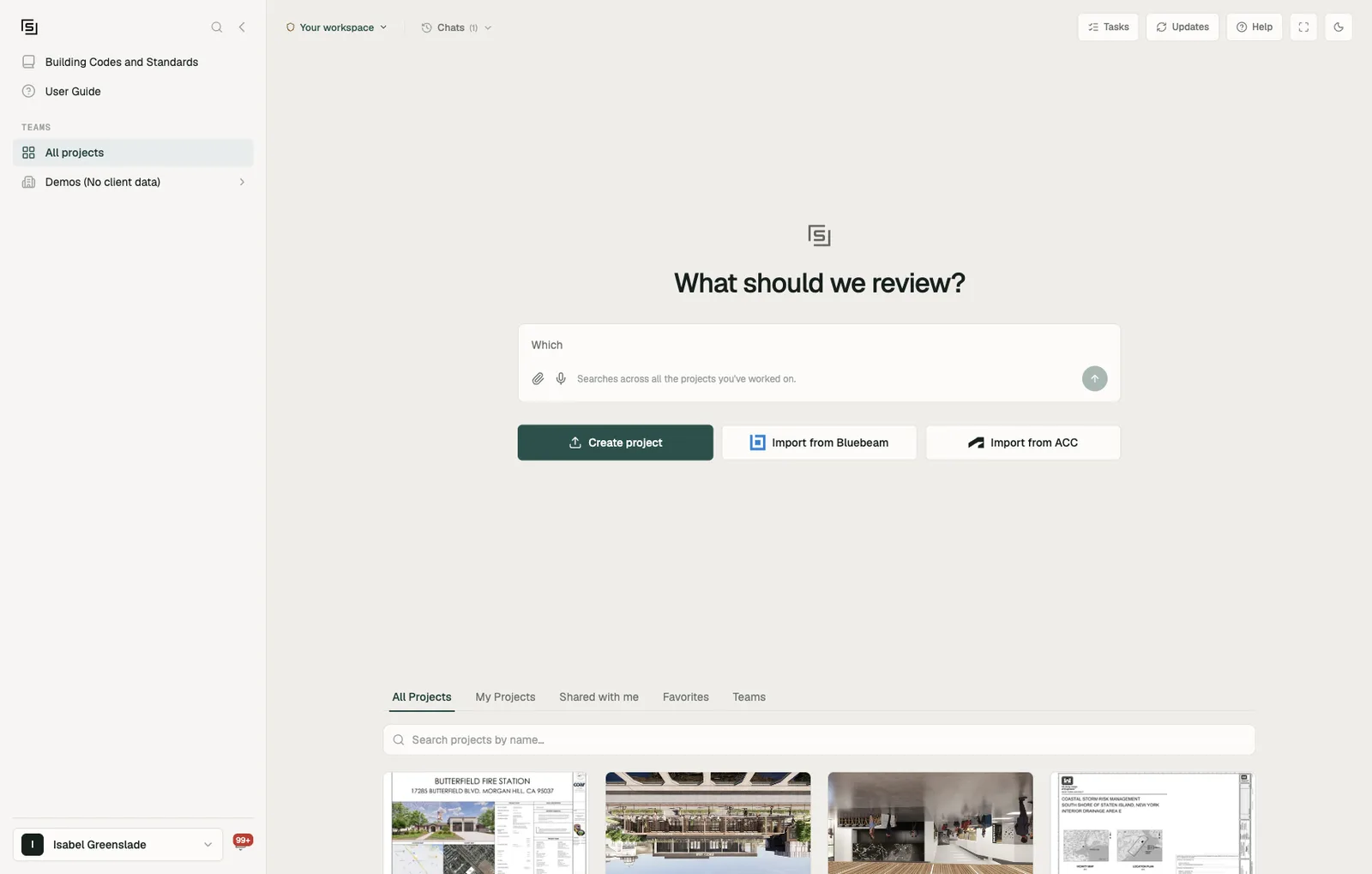
You can tell from the left rail. The current layout has My resources, Requests and My issues in the rail, with your organization and teams listed under TEAMS. The legacy layout has none of these, and the home page has a Teams tab instead.
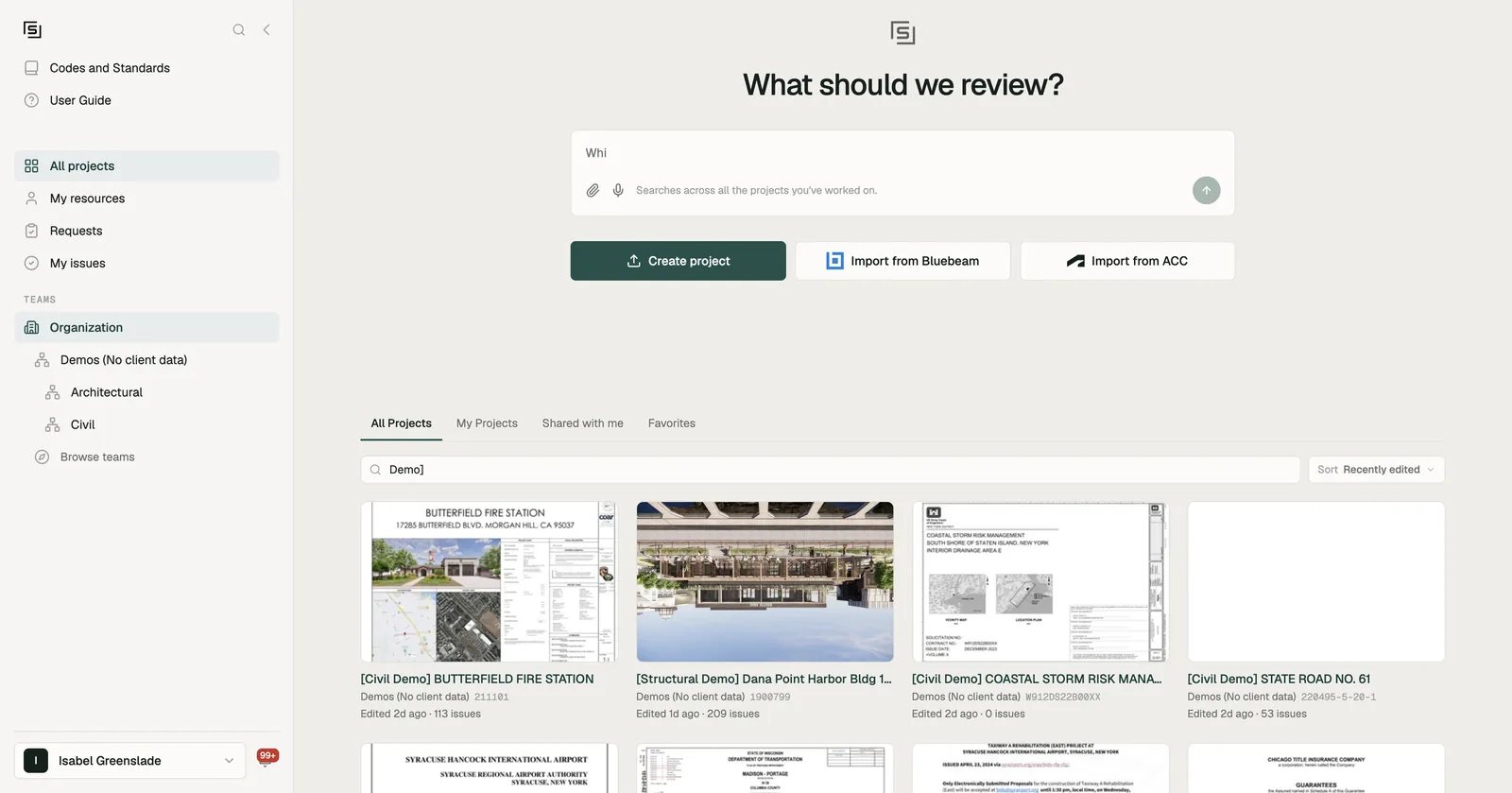
Switching to the current layout
Open your account menu (your name, at the bottom of the left rail) and choose Try the new layout. The page reloads in the current layout.
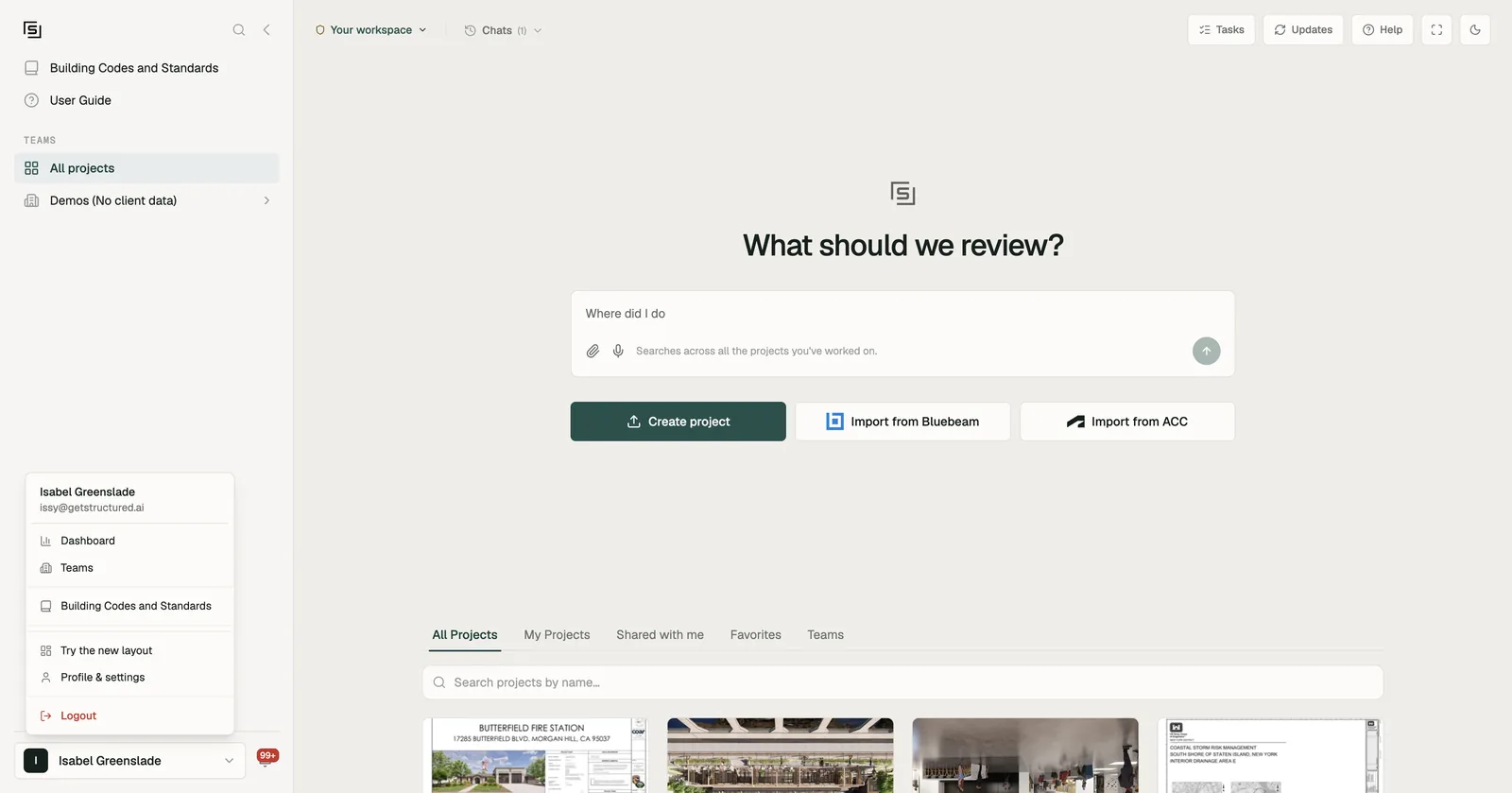
- It changes your layout only, not anyone else's.
- Your organization may have already moved everyone to the current layout.
- You can't switch while viewing as someone else. The menu says "Not while viewing as someone else."
If you need to go back for now, the same menu has Back to classic layout.
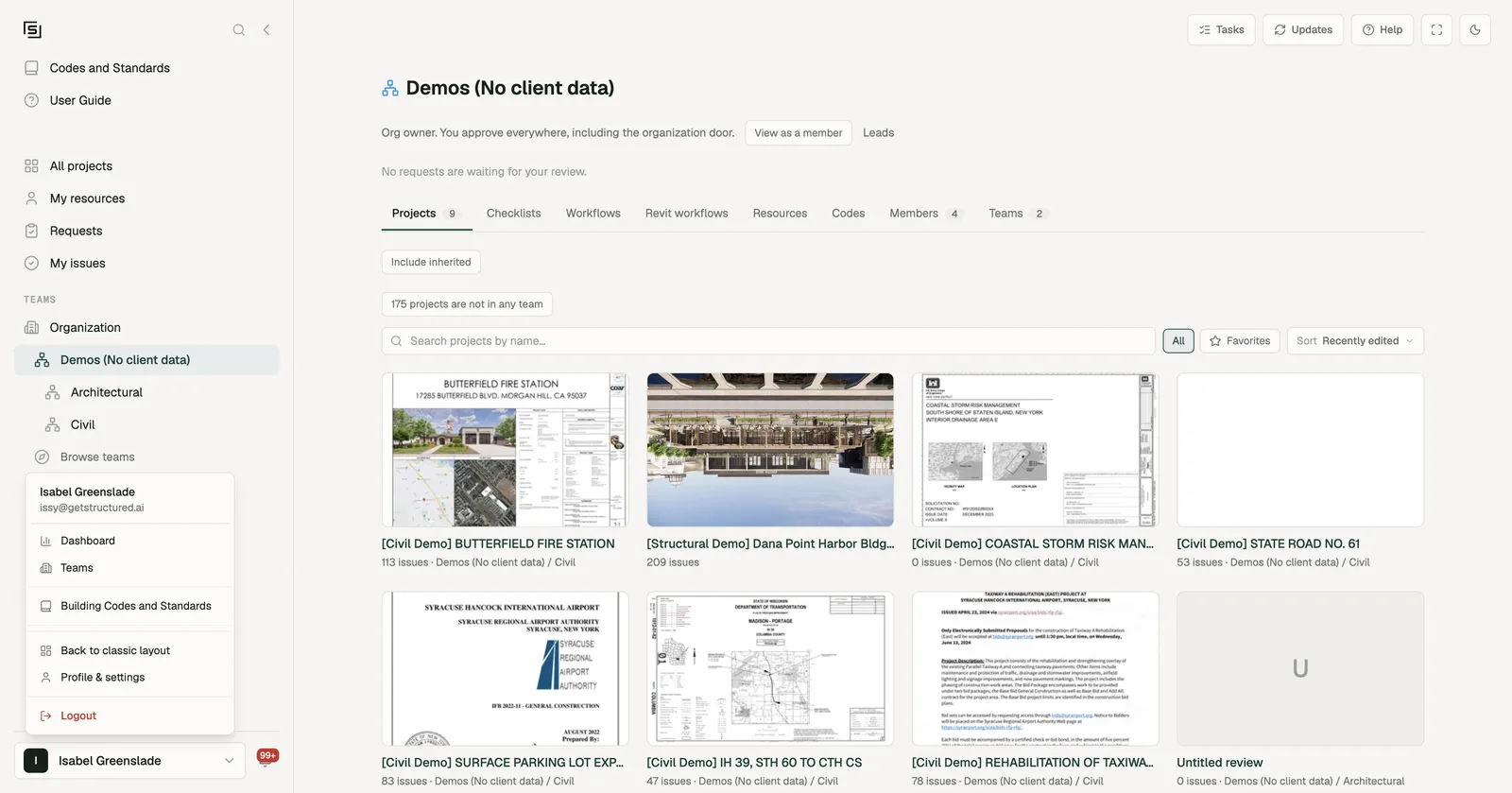
How the legacy layout differs
Everything inside a project works the same in both layouts: the drawing viewer, the Tools panel, chat and Issues. So do Settings, the code library and the add-ins. The difference is in how you get around outside a project.
| Legacy layout | Current layout |
|---|---|
Home (/) - project tabs All Projects, My Projects, Shared with me, Favorites and Teams | All projects in the rail - the same home, without the Teams tab. Teams are in the rail instead. |
| Rail - Building Codes and Standards, User Guide, All projects, your teams (picking one narrows the home page), Browse teams | Rail - Codes and Standards, User Guide, All projects, My resources, Requests, My issues, then TEAMS: Organization, every team and sub-team as a tree, Browse teams |
| Teams in the account menu - the home page's Teams tab | Teams in the account menu - the Organization page's Teams tab |
| Team page - Team / Manage switch and a team switcher | Team page - a standing line, View as a member, and one set of tabs. See Teams. |
| Dashboard, Admin view (Overview, Teams, Members, Settings) | The Organization page - Overview, Teams, Members, Settings, plus Projects and Inventory. See Organization page. |
| Dashboard, Personal view - My activity and Assigned to me | My resources → Activity. See My activity. |
My library on Personal view (Checklists, Workflows, Codes, Resources), and /checklists | My resources - Checklists, Workflows, Resources, Codes |
| Organization share requests on the Dashboard's Teams tab; team requests on each team page | Requests in the rail, for everything waiting on you. They also still show on the Organization and team pages. See Requests & My issues. |
| Assigned to me on Personal view | My issues in the rail, with filters, grouping and bulk resolve |
Old links still work. A bookmark to /dashboard, /my-dashboard or /checklists takes you to the matching place in whichever layout you're on.